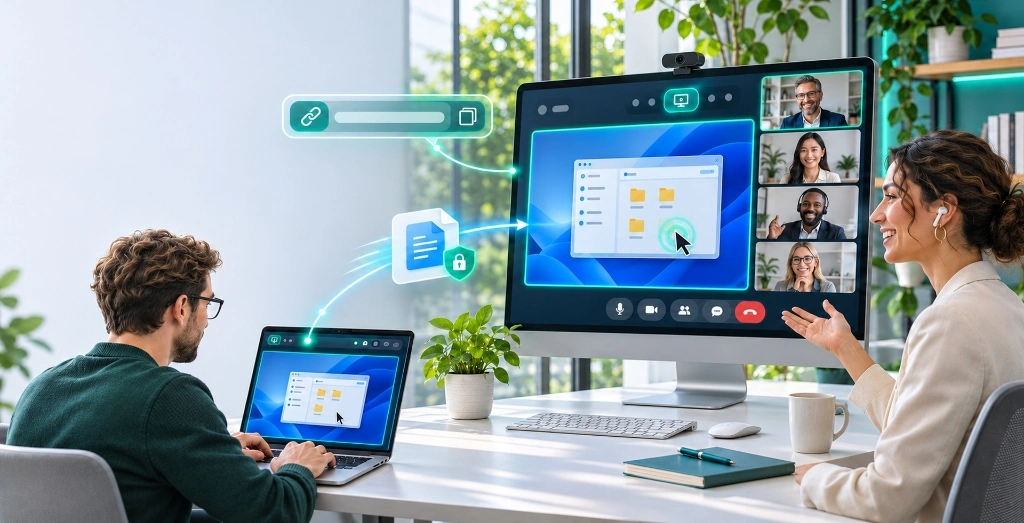
Real-Time Razor-Sharp Visuals
Smart adaptive streaming adjusts to your network automatically so spreadsheets, documents, and software look as sharp as your local monitor.

Connect in seconds with no forced annual contracts or device bans — enjoy daily renewing free usage via our Windows app or one-time browser invite links.
Legacy remote desktop tools permanently block your device after a few connections claiming 'commercial use detected' and force expensive annual contracts. Ekriva never bans your device — your generous free session quota automatically resets every day so you can keep using it for life.
Smart adaptive streaming adjusts to your network automatically so spreadsheets, documents, and software look as sharp as your local monitor.
Every connection requires explicit one-click approval or your private unattended password. All screen and control traffic travels encrypted between peers.
Need to show your own screen during a support call? Reverse the screen-sharing direction in a single click without extra passwords or prompts.
Assign custom names to your computers, pin favorites, and check real-time online availability at a glance — completely free.
Send a direct web link to clients who cannot install software and start viewing or assisting from any modern browser in seconds.
Switch seamlessly between multiple remote displays and work in distraction-free fullscreen with a collapsible floating control bar.
Discover multi-monitor control, role reversal, and the live device directory.
Learn about our end-to-end encryption and zero-trust security architecture.
Get the official Microsoft Store app, web console, and mobile support links.
See IT support workflows, remote work setups, and frequently asked questions.
Launch Ekriva immediately at zero cost without installers, or share a one-time web invitation link with your viewer.
Your partner approves with one click, or connect anytime to your own office computer using your unattended password.
Switch monitors effortlessly and work in borderless fullscreen with a collapsible floating control bar.
Common questions about Ekriva's lifetime free remote desktop and daily renewing quota model.
Yes. You can use Ekriva free for life for both personal and business support connections. Unlike legacy tools, we never permanently ban your device under the excuse of 'commercial use'. To keep the network fast for everyone, the Free plan includes 15-minute sessions and a generous daily usage quota that resets automatically every day — so you can keep using Ekriva forever at zero cost. Users who need continuous all-day sessions and multiple concurrent connections can upgrade to Pro anytime.
Ekriva offers two easy options: install the Ekriva desktop application from the official Microsoft Store for full mouse and keyboard remote control, or generate a one-time 'Web Invite Link' from the desktop app so your guest can view your screen live in any web browser with zero installation.
Yes. Simply set a private unattended access password and enable 'Launch at Login' in the Ekriva Windows app on your office computer to connect anytime from anywhere.
Ekriva uses end-to-end encrypted media and control channels along with zero-trust password verification. Your screen is never recorded by our servers, your password is never transmitted in plaintext, and the host can end the session at any moment.